Skip to content
Kitchen Managment

Chaos out, order in

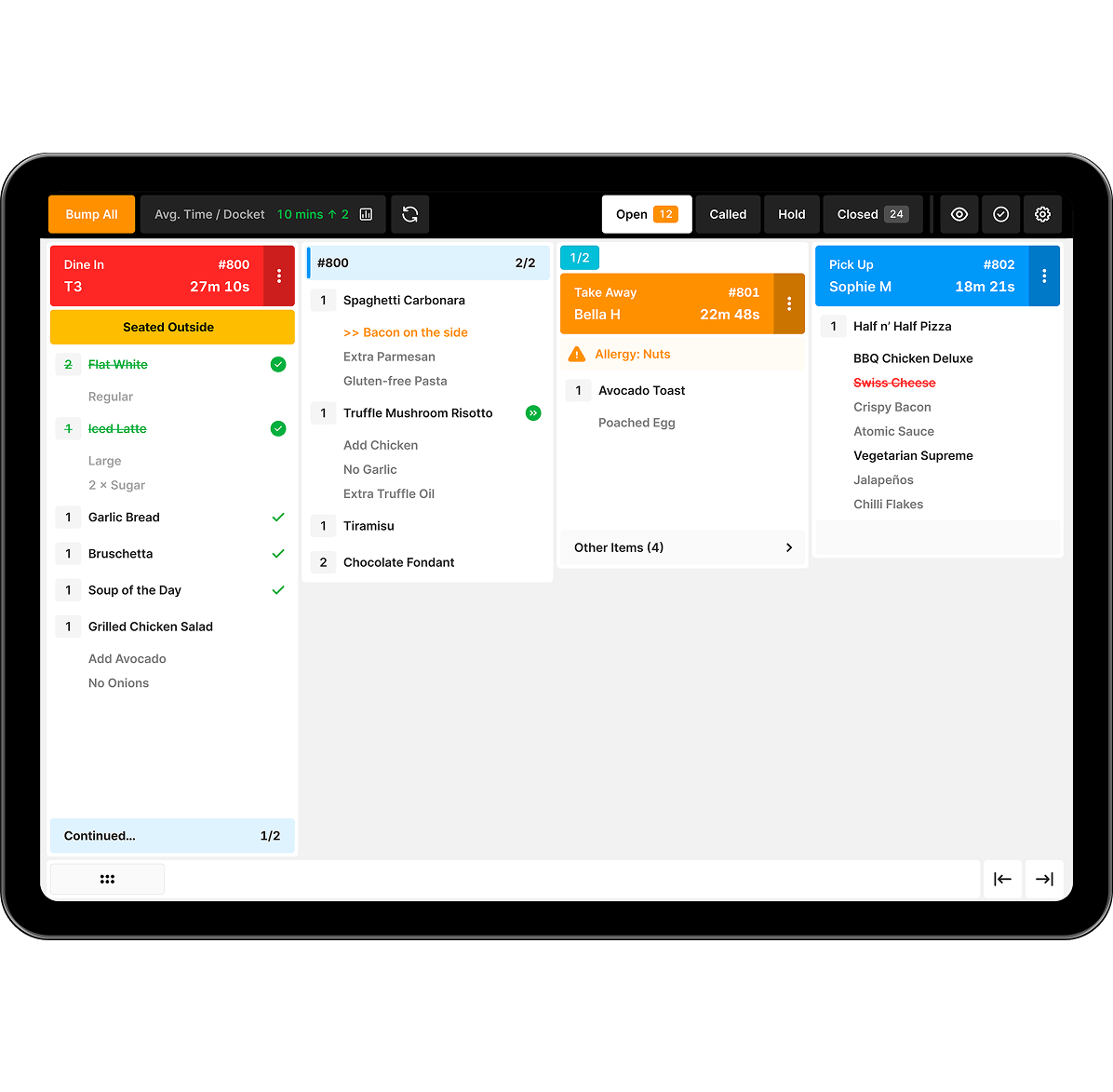
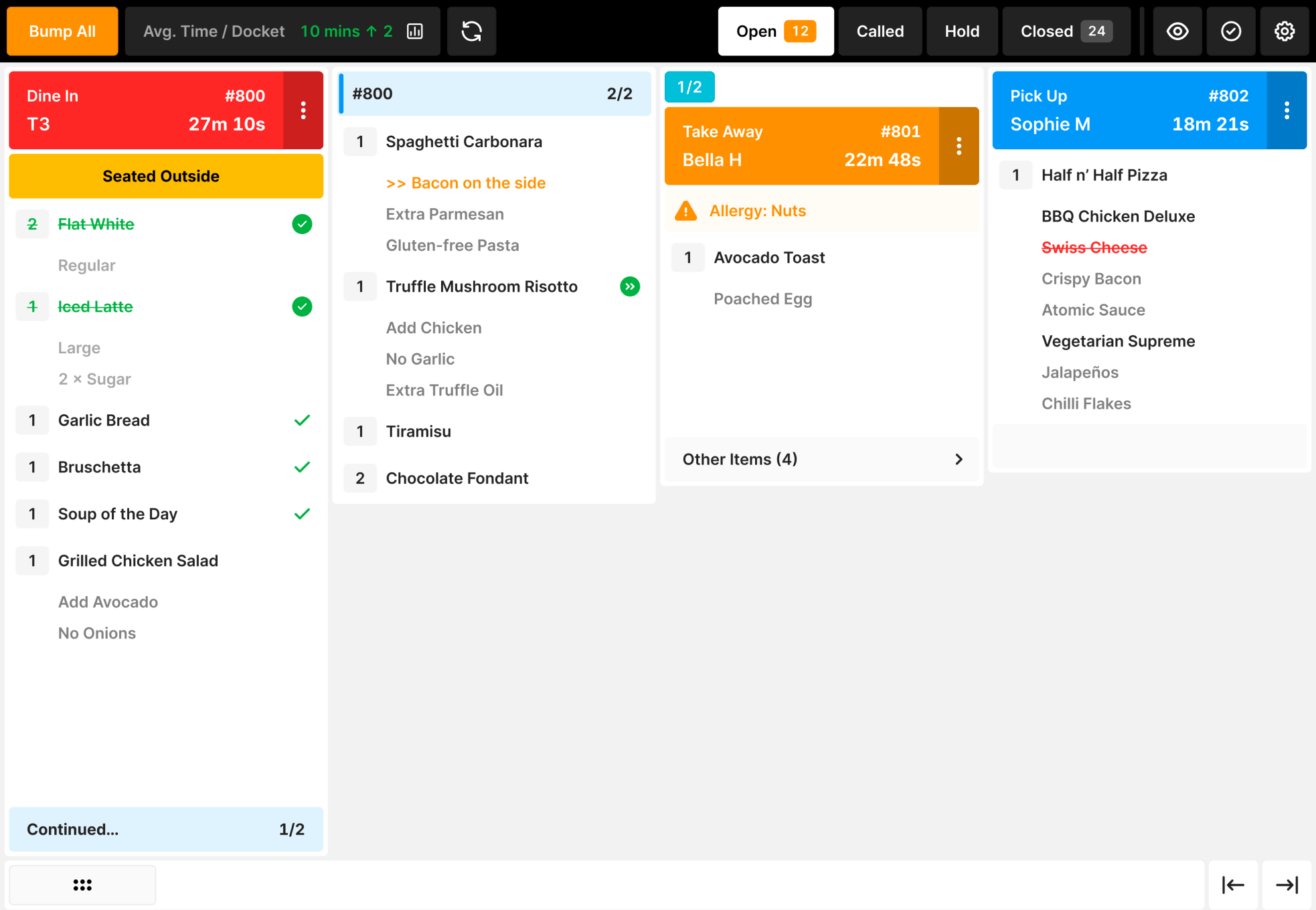
See every order, modifier and special request clearly on your kitchen display screen, keeping your team in sync.

Kitchen management system display
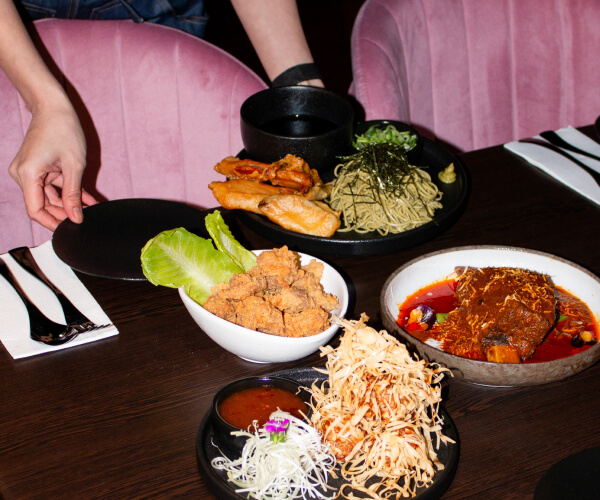
Dinner being server at a hot night spot

"Reduces complexity and saves costs"

Matthew Rogers, Waterside Hotel

Built to handle the heat

A lost order or wrong dish can quickly turn a smooth service into chaos, leading to stressed out chefs, flustered floor staff and unhappy customers. In peak moments, even small mistakes multiply, causing confusion and longer wait times. Often, chefs will have to step in to manage instead of focusing on the food.

Our Kitchen Management System is made for these moments. It tracks and manages every order from every channel, giving your team a clear view of what’s next. With real-time updates and simple controls, your kitchen can cut out the confusion and keep service on track, even on the busiest nights.
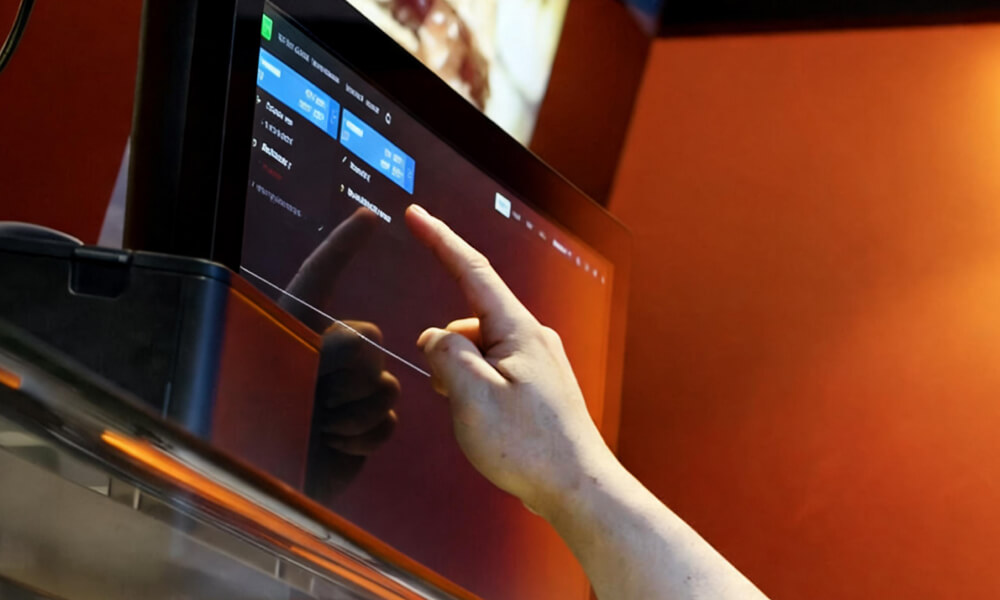
Staff touching kitchen display
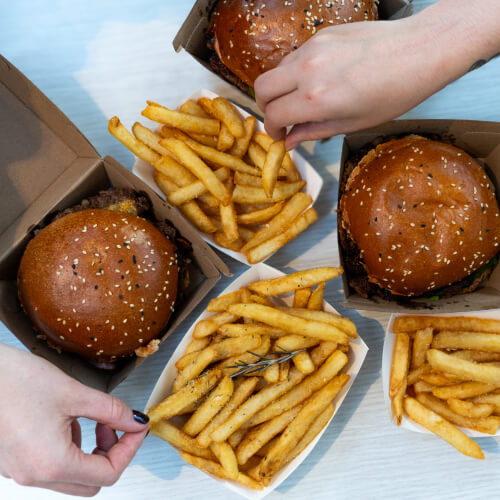
Burgers and chips from Oi Get On It

"That's how we get food to customers as fast as we do"

Tony Plunkett, Oi - Get On It

The kitchen management checklist

Our KMS solution helps you:

  • Manage and track every order from all channels: in-store, online and delivery apps.
  • Spend less time monitoring tickets and more time focusing on food prep.
  • Instantly see order details, modifiers and special requests.
  • Reduce errors from missed tickets and last-minute changes.
  • Sync directly with your POS to easily track and manage orders.
  • Prioritise orders to help your teams stay ahead with colour coding and time tracking alerts.
  • Easily manage courses and prep timings for a smoother service.

The best bit? We know you need it all, so our KMS does it all. And like all our products, it talks directly with the rest of your system.

Everything your kitchen needs to deliver

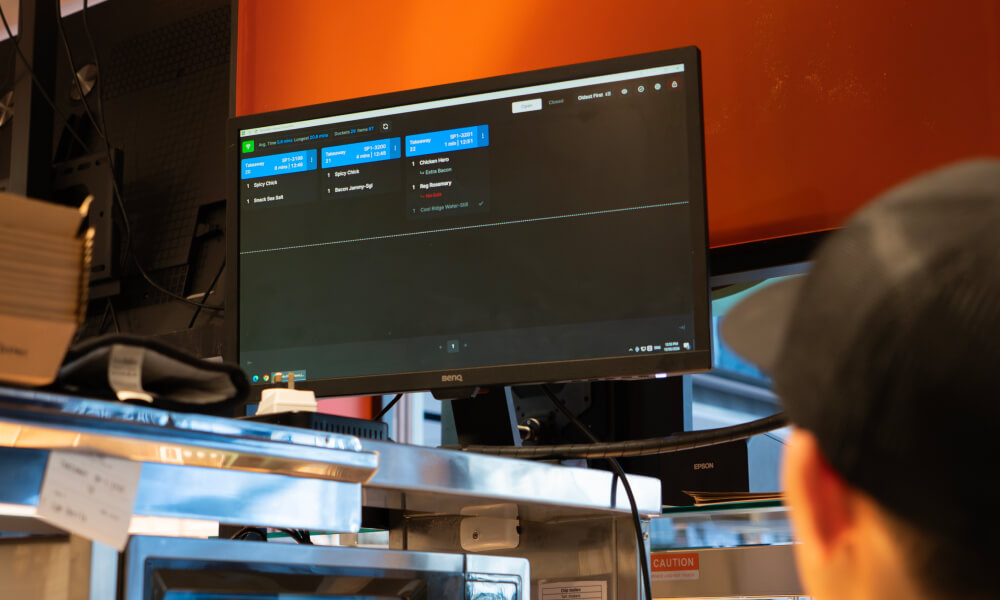
Oolio Kitchen Management device

Real-time tracking: See every order from every channel, all in one place. 

Clear order details: View modifiers and special requests at a glance. 

Offline mode: Keep your kitchen running smoothly, even if your internet connection drops. 

Simple controls: Easily bump orders and manage courses. 

Durable and heat-resistant: Built to handle the heat of a busy kitchen. 

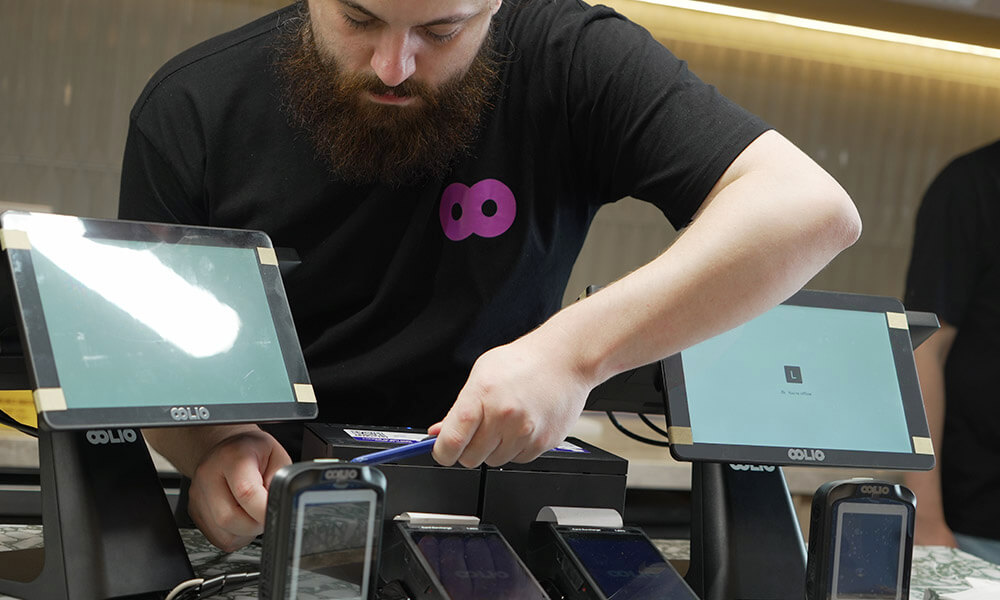
Oolio team member installing POS system
Oolio team member on phone support

"Quick, efficient, positive, patient"

George Khoury, Oasis

More than just tech

At Oolio, we’re obsessed with hospitality. We know that technology is only as good as the support behind it. That's why we’re more than just a provider; we’re a partner for every shift.

We’re here for you 24/7. When you call, you’ll speak to a real person who understands hospitality. With tailored onboarding and training, we make sure you and your team are set up for success from day one.

Our Customers

Powering delicious venues

FAQs

Just like in hospitality, good communication matters. Our FAQs are here to give you clear, practical answers so you can spend less time searching and more time serving.

Need answers fast? You can always reach us directly, real people, real support. 

Our KMS consolidates orders from all channels into one clear display. Whether customers order in-store, online or through delivery apps like Uber Eats, all orders appear on the same screen with clear indicators showing the order type and time. This means no more juggling between systems or missing orders because they were on another tablet.

Don't worryour KMS is built to handle connectivity issues. Orders continue to display and can be managed even during network interruptions with the offline mode. It will sync to the back office as soon as you are online again.

Our KMS eliminates the confusion of paper tickets that can get lost, smudged or misread. Every order displays clearly with all special requests and notifiers visible at a glance. Real-time updates mean last-minute changes appear instantly, and time-based alerts highlight orders that need urgent attention, keeping your team on track.

You'll get valuable data on kitchen performance, including peak trading hours, order completion times, and your best-selling items. This helps you identify bottlenecks, optimise prep times, and make informed decisions about staffing and menu planning.

Absolutely! You can highlight the same item across all active orders on the KMS, to get an overview. 

You can also get an all day view, or a specific view for different prep stations, so you can view on-hold orders or ready to go under the courses tab. 

Our KMS uses features like time-based alerts, color-coded dockets and automated course management to ensure urgent or longer-prep dishes receive attention when needed.
You can mark Rush orders and bump them. Orders are highlighted based on time lapsed and timed notifications help your team stay ahead during busy service periods, reducing delays and making sure nothing is missed.

We handle the entire setup process for you. Our hospitality-trained installation specialists will configure your KMS to match your venue's specific needs and integrate it perfectly with your existing POS system.

Every training session is tailored to your venue, your team, and your specific workflow. We offer both in-person and online sessions, whatever works best for you. Our trainers understand hospitality operations and will ensure your team feels confident using the system during our training session.

Yes, our KMS hardware is specifically designed for commercial kitchens. It's heat-resistant and built to withstand the demands of busy service periods. The screens are durable and easy to clean, ensuring they'll perform reliably even during your busiest shifts.